
Products
14
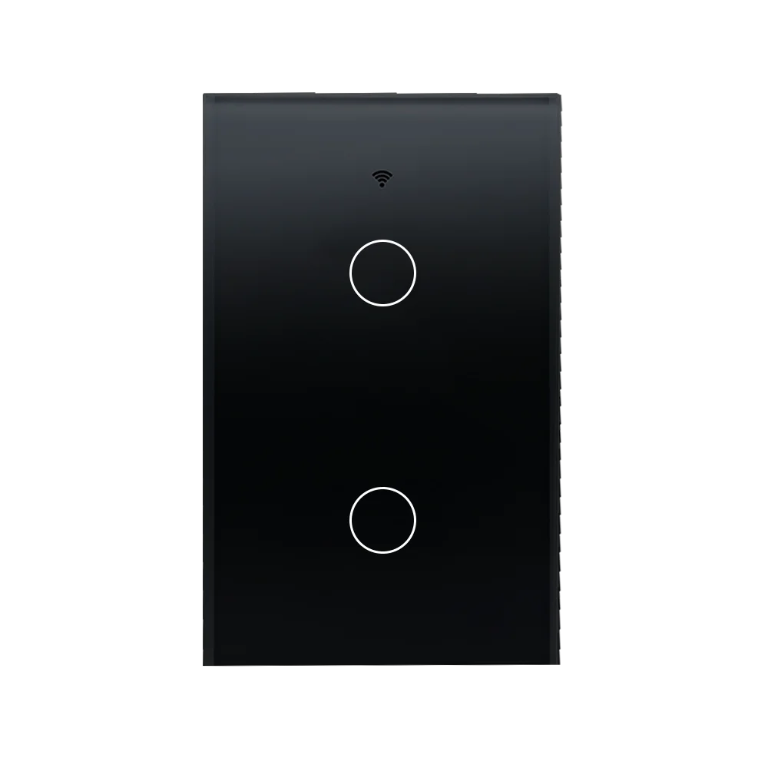
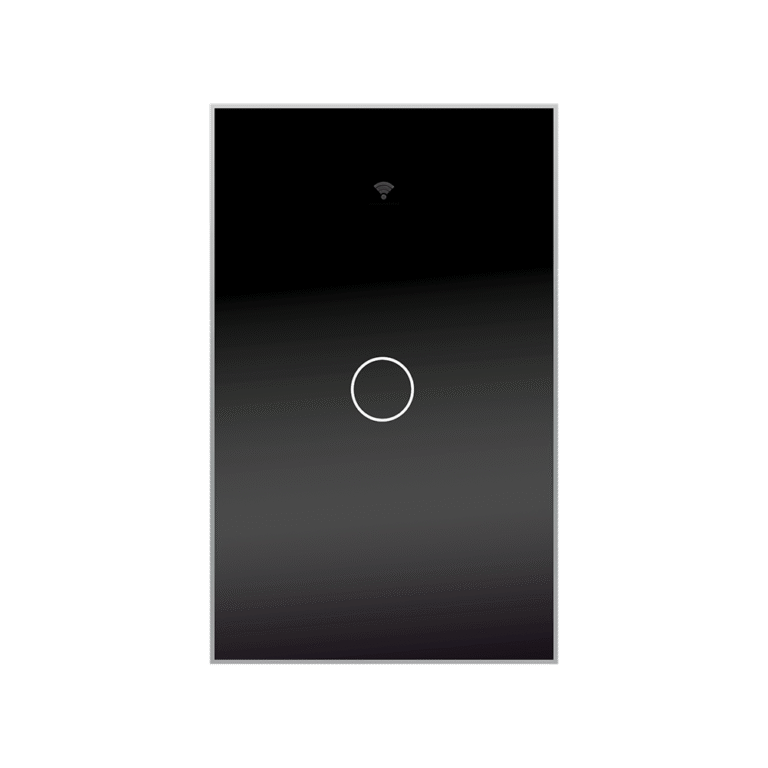
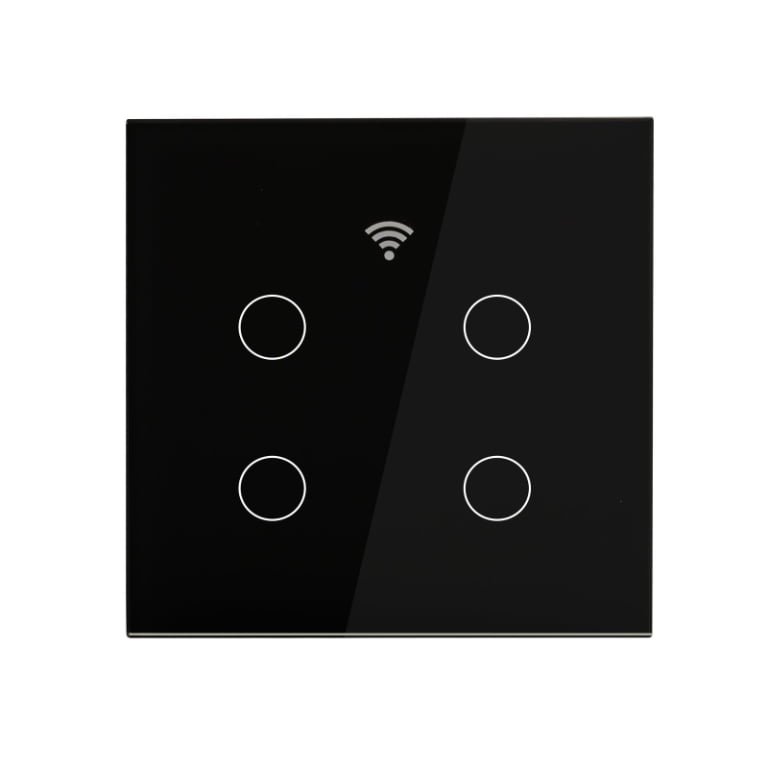
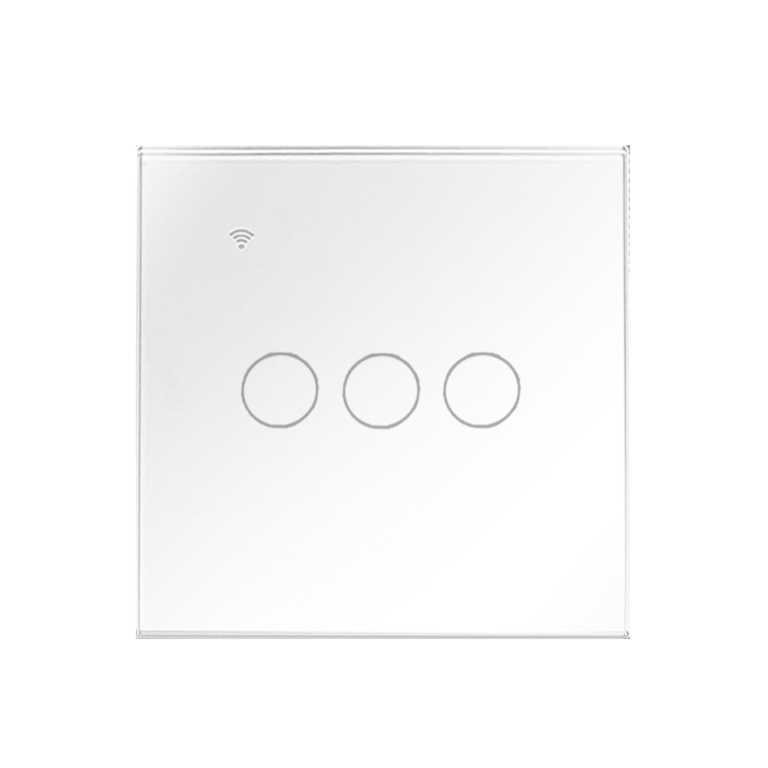
Real-World Uses
Explore practical ways to use Smart Switch in everyday and professional settings.
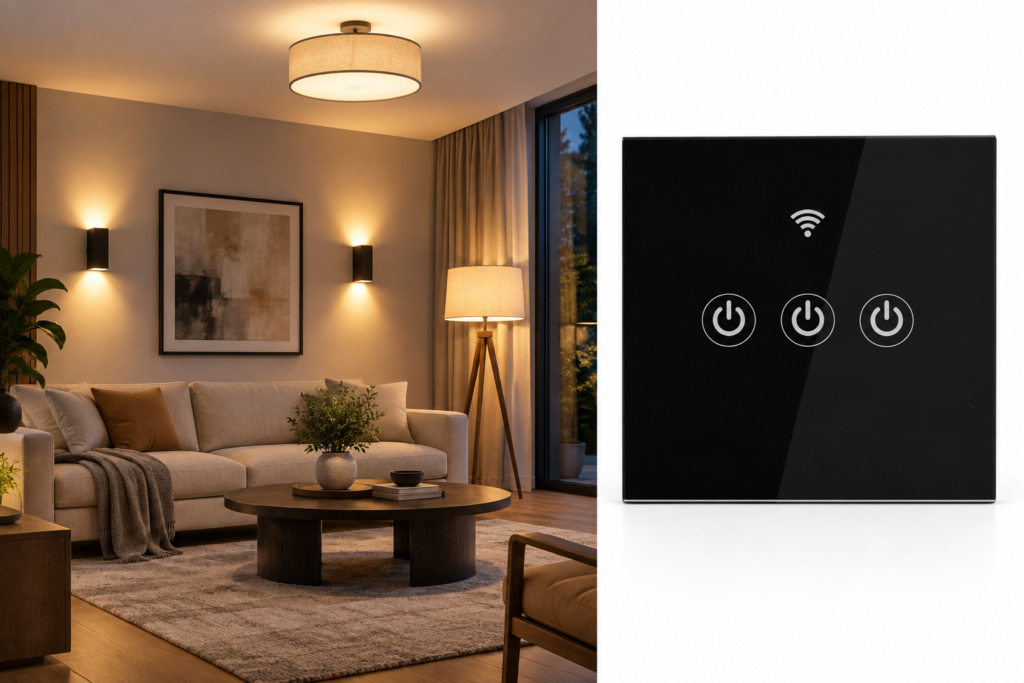
Scenario 01
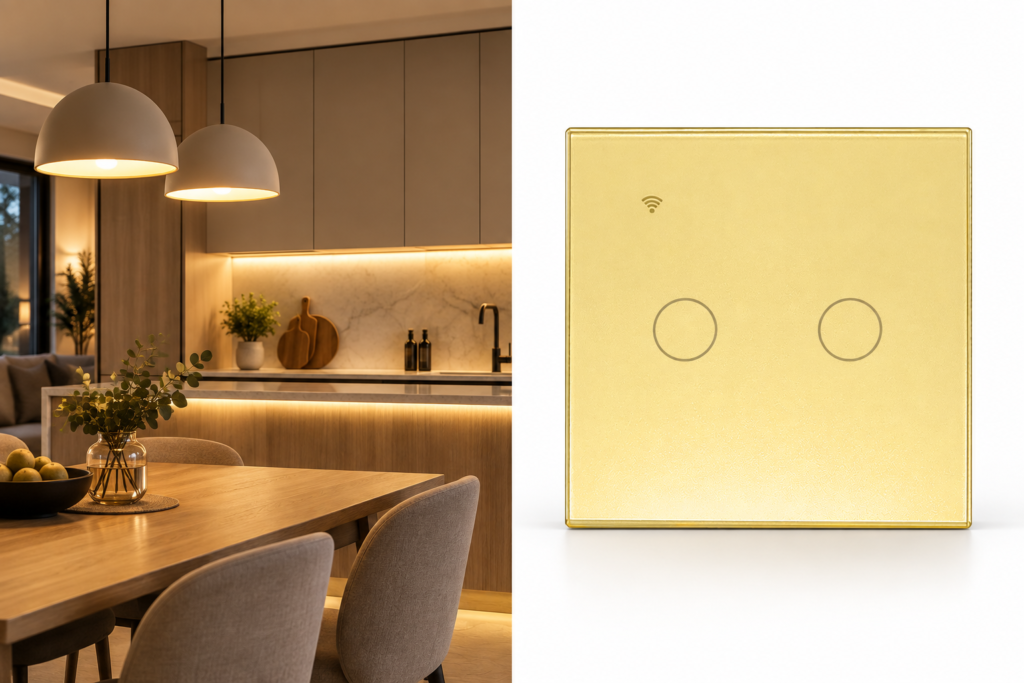
Scenario 02
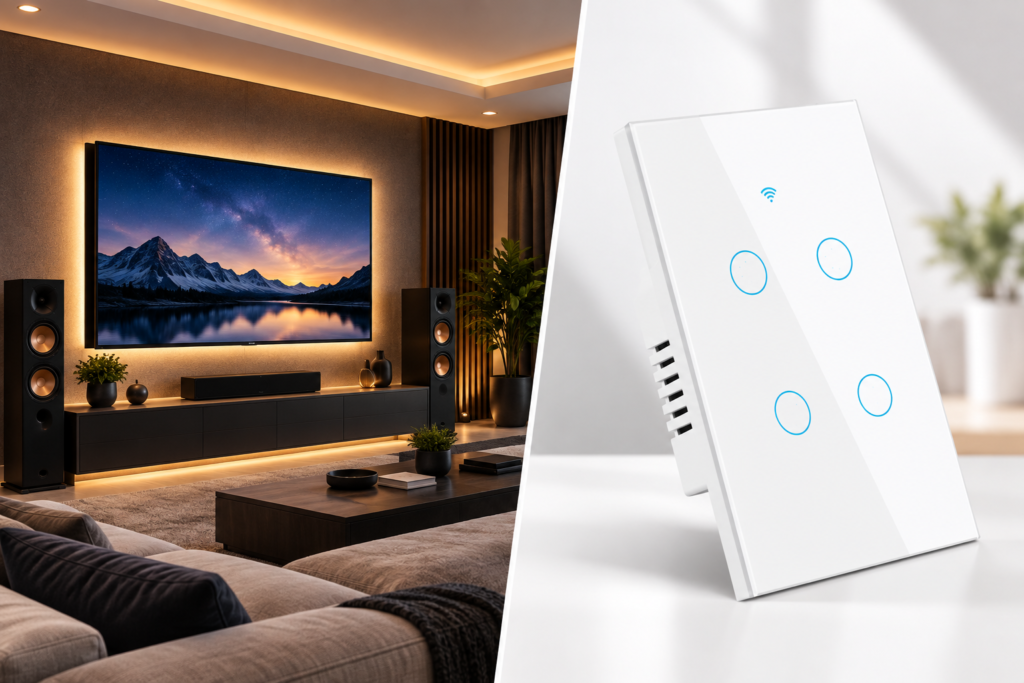
Scenario 03
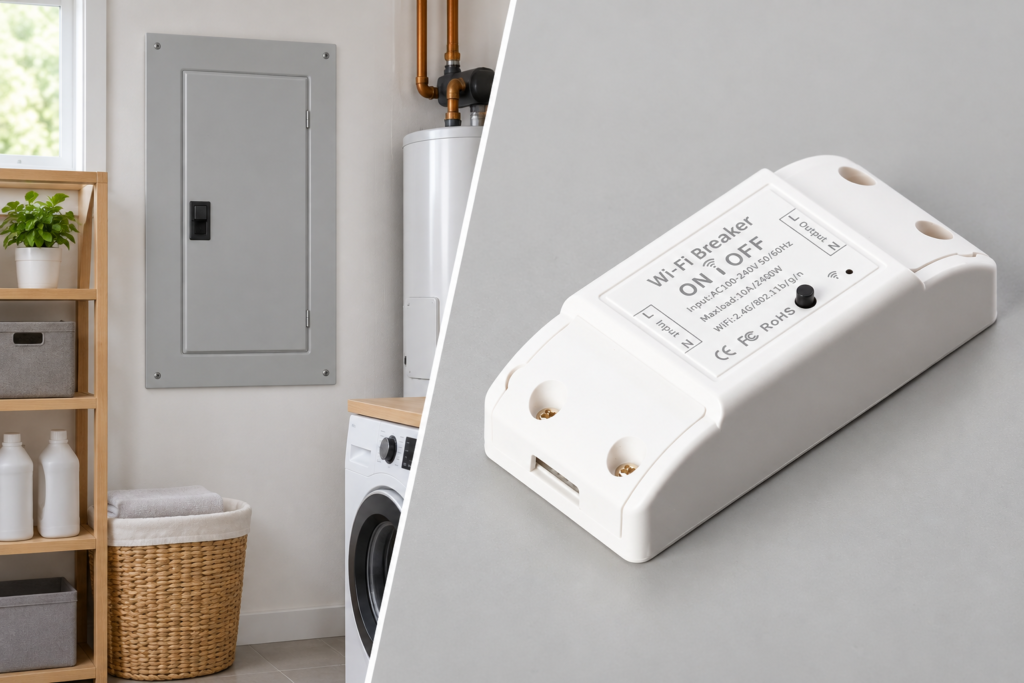
Scenario 04
Helpful Information
Answers to common questions about Smart Switch.
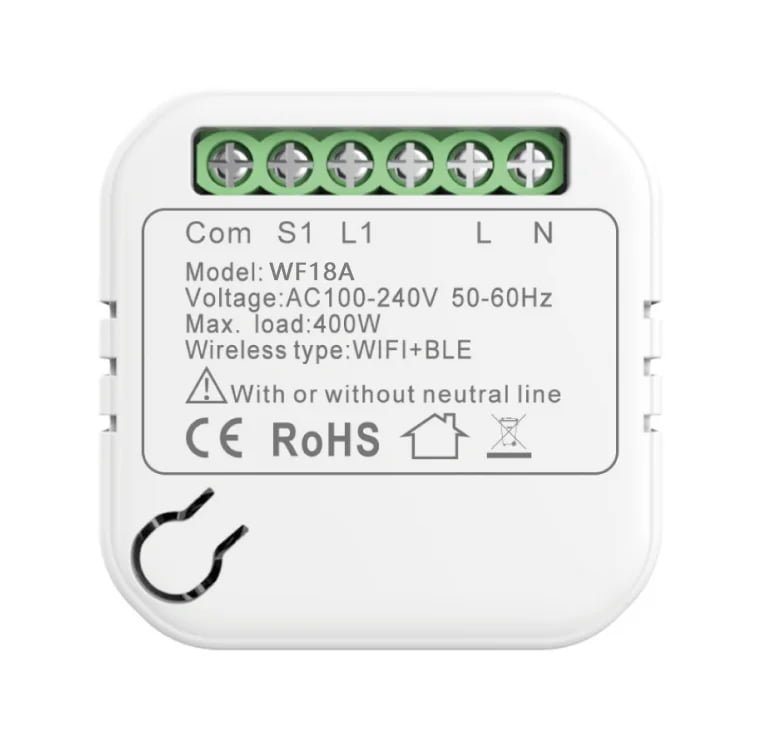
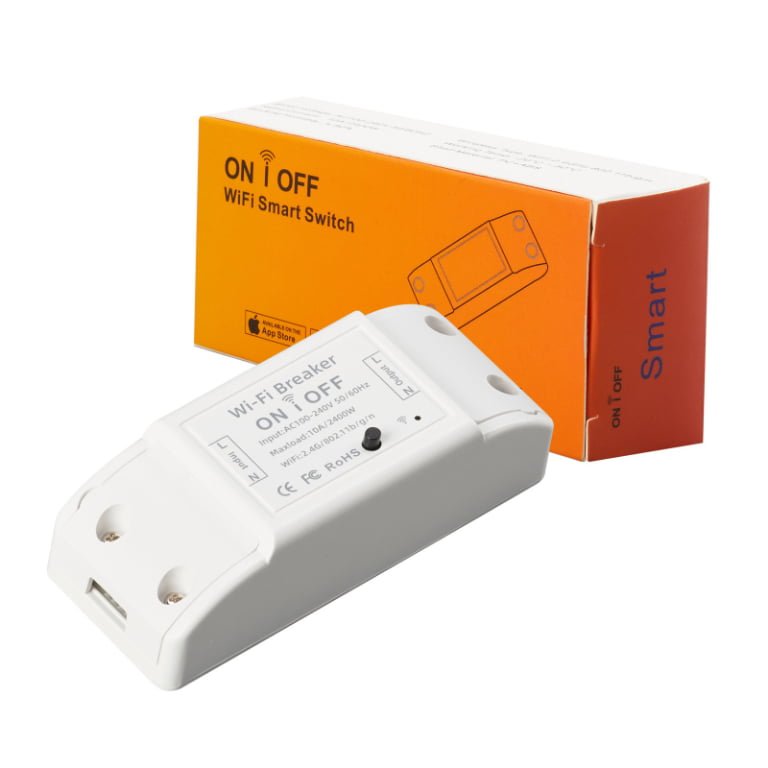
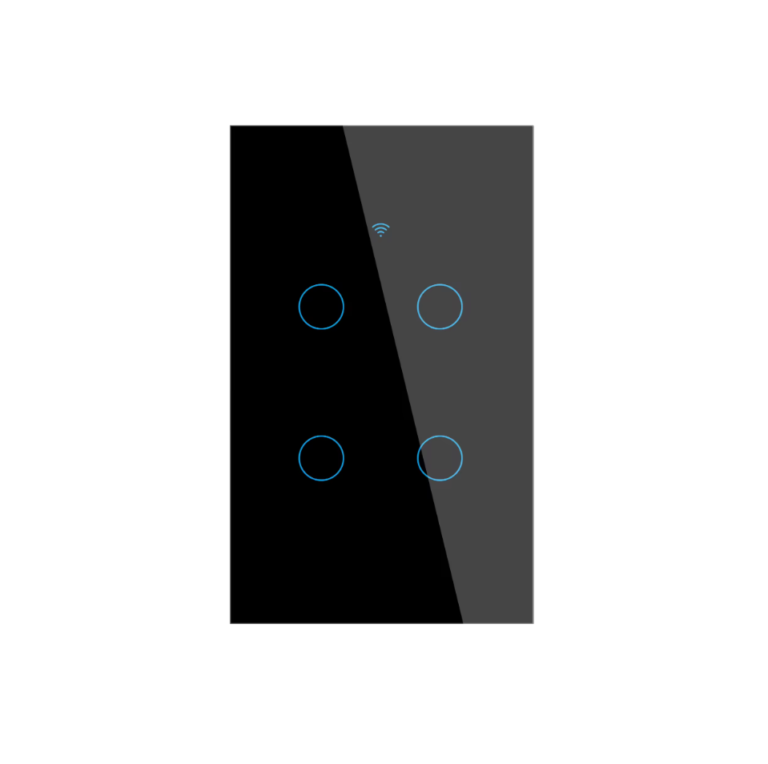
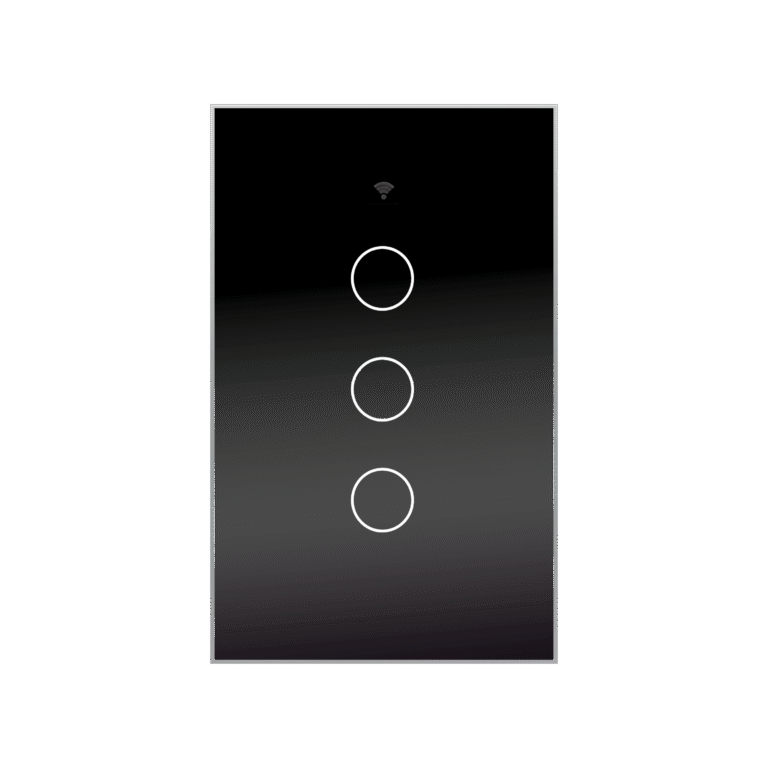
A: A smart switch is a hardwired device that replaces a standard wall switch. It connects directly to your electrical circuit and lets you control lighting, exhaust fans, and built-in appliances remotely via a mobile app. Unlike a smart socket, it does not plug into an outlet — it is installed into the wall or panel. Browse our smart switches for models.
A: A smart socket plugs into an existing outlet — you plug your appliance into it. No wiring required. A smart switch is hardwired into the wall or panel, replacing a standard switch to control the circuit itself. Sockets are ideal for plug-in devices like coffee machines and lamps. Switches are better for fixed devices like ceiling lights, exhaust fans, and built-in appliances.
A: If your device is hardwired — like ceiling lights, bathroom fans, or built-in heaters — a smart switch is the right choice. It gives you remote control and scheduling without needing an available outlet. For plug-in devices, a smart socket is simpler and requires no installation.
A: A smart switch helps you manage when power is used and for how long — especially for devices that are often left on accidentally, like lights and exhaust fans. By setting schedules or remote timers, you avoid unnecessary runtime. For a deeper look at how smart devices help reduce electricity costs at home, read our guide: How do smart sockets help reduce electricity costs at home? The same principles apply to smart switches.
A: Most standard smart switches do not include energy monitoring. If you need real-time power, kWh, and cost data, choose a smart socket with energy monitoring, or pair your smart switch with a power meter.
A: Ceiling lights, exhaust fans, bathroom heaters, outdoor lighting, and other hardwired fixtures. If you can replace a standard wall switch, you can install a smart switch. See our smart switches for models.
A: Yes. This is one of the most common uses. Set a schedule or use remote control to turn off lights and fans automatically — no more wondering if you left something on. Learn more about reducing waste: How do smart sockets help reduce electricity costs at home?
A: Yes. You can set a timer to run the fan for a fixed period after a shower, or schedule it during certain hours. This prevents the fan from running unnecessarily. Check the load capacity before installing.
A: If your device plugs into an outlet — like a coffee machine, lamp, or TV — choose a smart socket. It requires no wiring and can be moved easily. If your device is hardwired, choose a smart switch.
A: For light commercial use, yes. For heavy-duty or industrial equipment, see our Industrial Timer solutions or contact us for customized options.
A: Our standard models support 16A/230V or 15A/110V. Some models support higher ratings.
A: Yes. Our smart switches connect via Wi-Fi and are controlled through a mobile app. Some models also support voice control via Alexa and Google Home. See our smart switches for options.
A: Yes. We offer models for UK, EU, US, and other standards. Parameters can be customized based on MOQ. Learn more about OEM/ODM customization.
A: Some models require a neutral wire; others do not. Check each product’s specifications before installation. If you are unsure, contact us for guidance.
A: Yes. Our smart switches are CE, RoHS certified for European markets. Other certifications are available depending on your target market. Contact us for details.
A: We conduct appearance, functional, load, Wi-Fi connectivity, and aging tests according to product type. Production samples are kept for reference.
A: We provide a minimum one-year warranty for our mechanical timer sockets. The exact warranty terms depend on the product model, order agreement, and application conditions.
For warranty details or after-sales support, please contact our team. visit our contact page.
A: Our standard minimum order quantity is 2,000 pieces. For trial orders or selected models, we may offer a lower quantity, such as 500 pieces.
The available quantity depends on the model, customization requirements, packaging, and production schedule. Contact us for a quotation based on your requirements.
A: A:Yes. We provide OEM and ODM customization services, including:
Logo printing
Custom dial designs
Product colors
Labels and instruction manuals
Individual packaging
Export carton designs
Minimum order quantities apply and vary according to the customization requirements.
A: Yes. Samples are available for product testing and approval before bulk production. Sample availability, cost, customization options, and delivery time depend on the selected model.
Contact us with your required plug type, voltage, current rating, application, and target market.
A: We use reinforced export packaging designed to reduce the risk of damage during long-distance transportation. Products are typically packed in individual packaging, double inner cartons, and a thick outer master carton.
Custom packaging, labels, barcodes, manuals, and carton markings are also available upon request.
Start a Conversation
Tell us your product, quantity and target market. We will recommend suitable models and reply within 6 hours during working days.
NINGBO OFFICE
Building 2, No.12, Yiwu East Road, Shangyu, Ningbo, Zhejiang, China.