
How Do Power Monitors Work to Reduce Electricity Bills?
High electricity bills hurt your budget. You probably do not know which devices waste your power. A power monitor helps you find and stop this hidden energy waste.
Power monitors do not reduce bills directly. They measure voltage, current, power, and total energy consumption. This data makes invisible power usage clear. You can find energy-wasting devices, see exact running costs, and change usage habits to save money.
I want to share my experience from our factory at Timebest. Many of our wholesale customers ask me how a simple device can cut costs. The answer lies in data. When you see the numbers, you can take action. You will find out exactly how to do this in the next sections.
Why Is Invisible Power Consumption Costing You Money?
Many appliances drain power even when they look turned off. This standby power adds up quietly. You pay for electricity that you do not actually use.
Invisible power consumption happens because devices stay in standby mode. You cannot see this energy drain. A power monitor measures this hidden usage. It shows you the exact cost over time. You can then unplug these devices to stop the waste and lower your bills.
The Problem with Standby Power
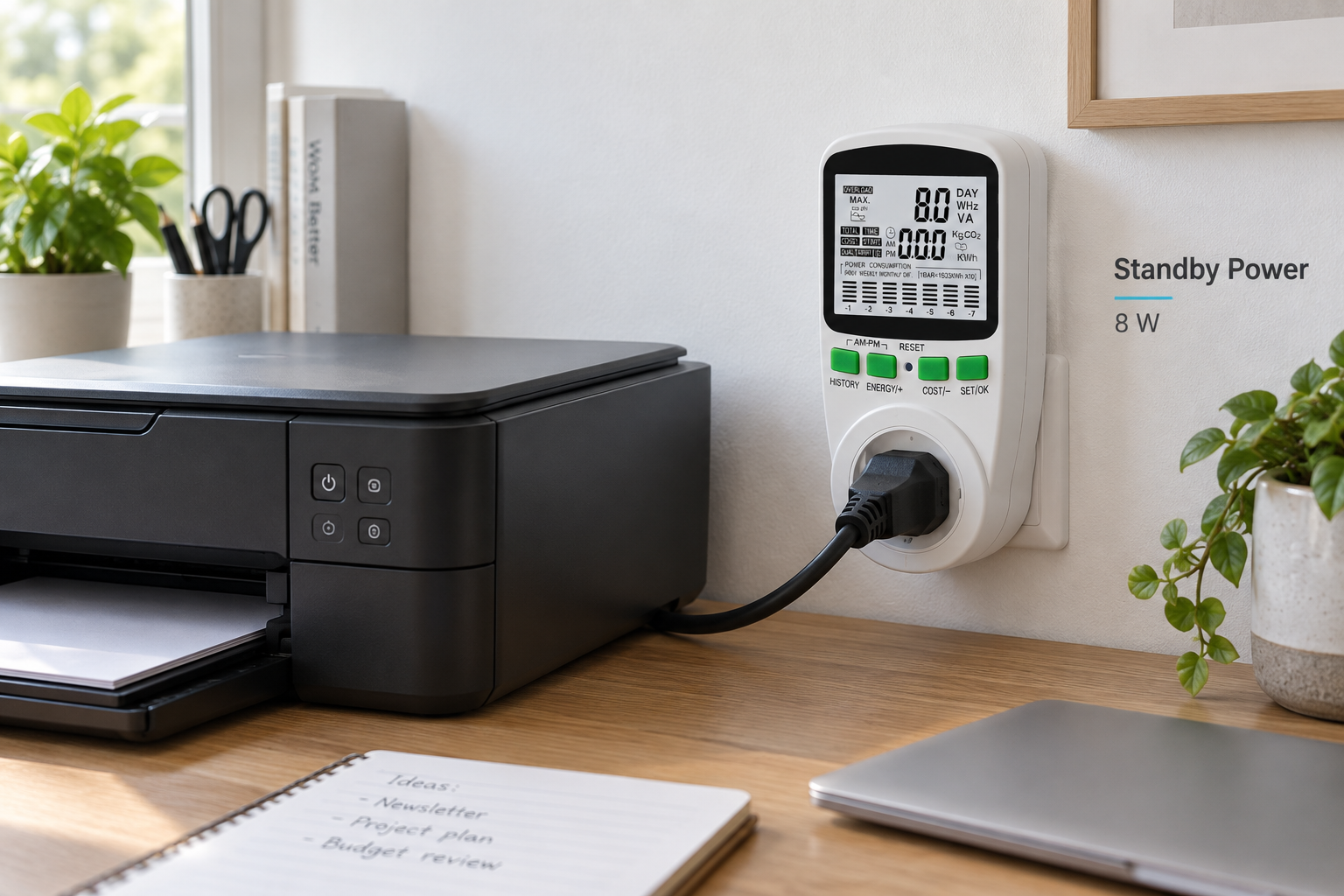
Many people ignore standby power. I see this often with our B2B clients. They buy appliances and leave them plugged in. They think a device uses zero power when the screen is dark. This is a mistake. The internal circuits still draw current. A power monitor catches this current. It calculates the small but constant wattage.
Small Wattage Over Long Time
A device might only use two watts in standby mode. This seems very small. However, a year has 8,760 hours. Two watts over a whole year becomes a big number. The power monitor records the total kilowatt-hours (kWh). It multiplies this by your electricity rate. Suddenly, you see a real dollar amount on the screen.
Breaking Down the Hidden Costs
Here is a simple breakdown of how invisible power works.
| Status | Power Draw | Time | Cost Impact |
|---|---|---|---|
| Active Use | High | Short | Expected cost |
| Standby Mode | Low | Continuous | Hidden high cost |
| Unplugged | Zero | Any | No cost |
When you use a power monitor, you move devices from the standby category to the unplugged category. This is the first step to reducing your electricity bills. You stop paying for idle machines.
How Do Power Monitors Find High-Energy Devices?
Some old machines use too much electricity. You might keep using them without knowing the cost. A power monitor tests each device to find the real energy hogs.
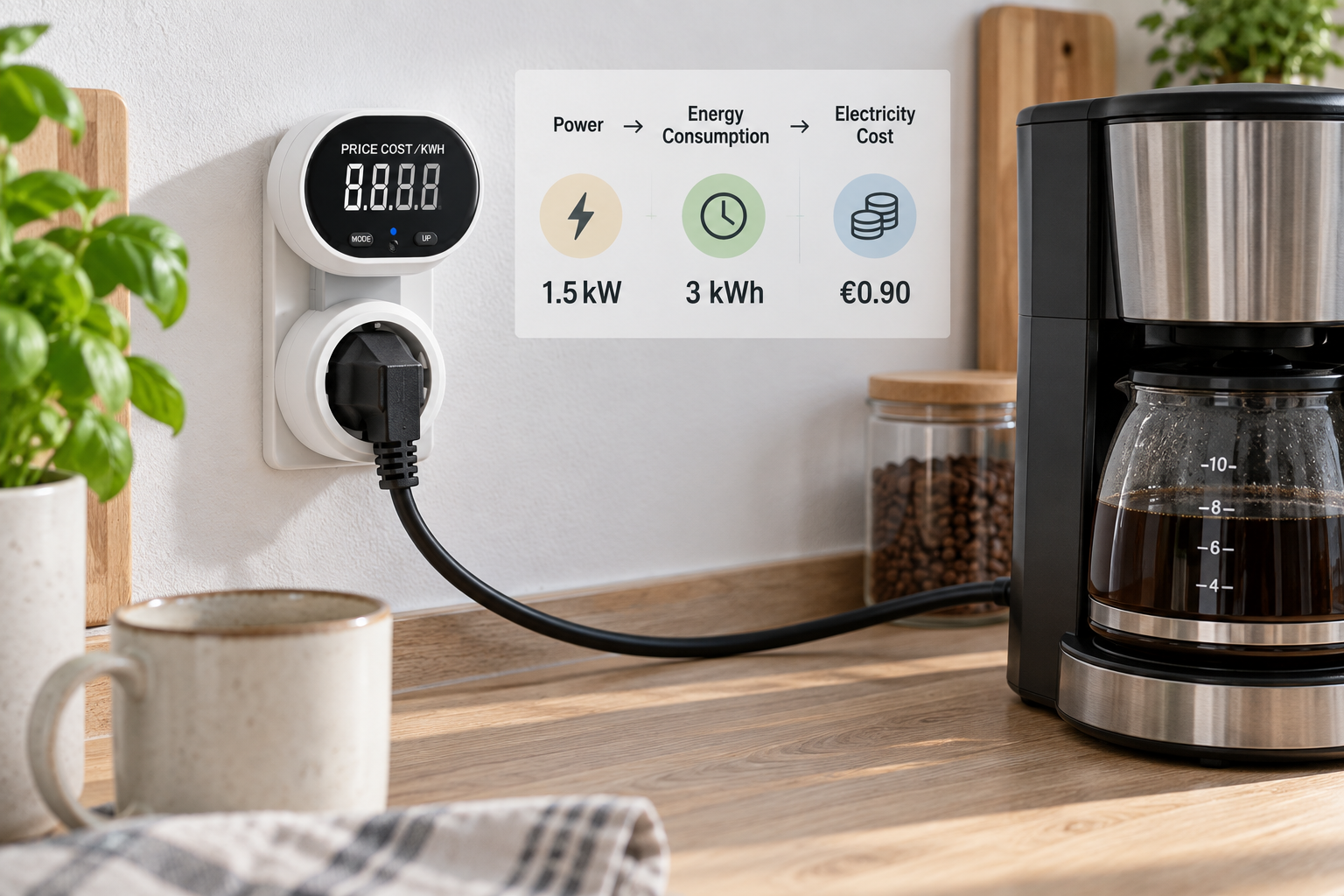
Power monitors find high-energy devices by measuring real-time power and total energy consumption. You plug the appliance into the monitor. The screen displays the exact wattage and running cost. You can compare this data across different devices to identify which ones use the most electricity.
Measuring Voltage and Current
A power monitor acts as a bridge between the wall socket and your device. The electricity flows through the monitor. The monitor has sensors inside. These sensors measure the voltage and the current. It multiplies these two numbers to find the real-time power. We design our Timebest power meters to do this with high accuracy. You get clear numbers right away.
Tracking Total Energy Consumption
Real-time power is just one part of the story. You also need to know the total energy consumption. A device might use high power for a few minutes. Another device might use medium power for ten hours. The second device costs more to run. The power monitor tracks the total kilowatt-hours over days or weeks.
Comparing Usage Habits
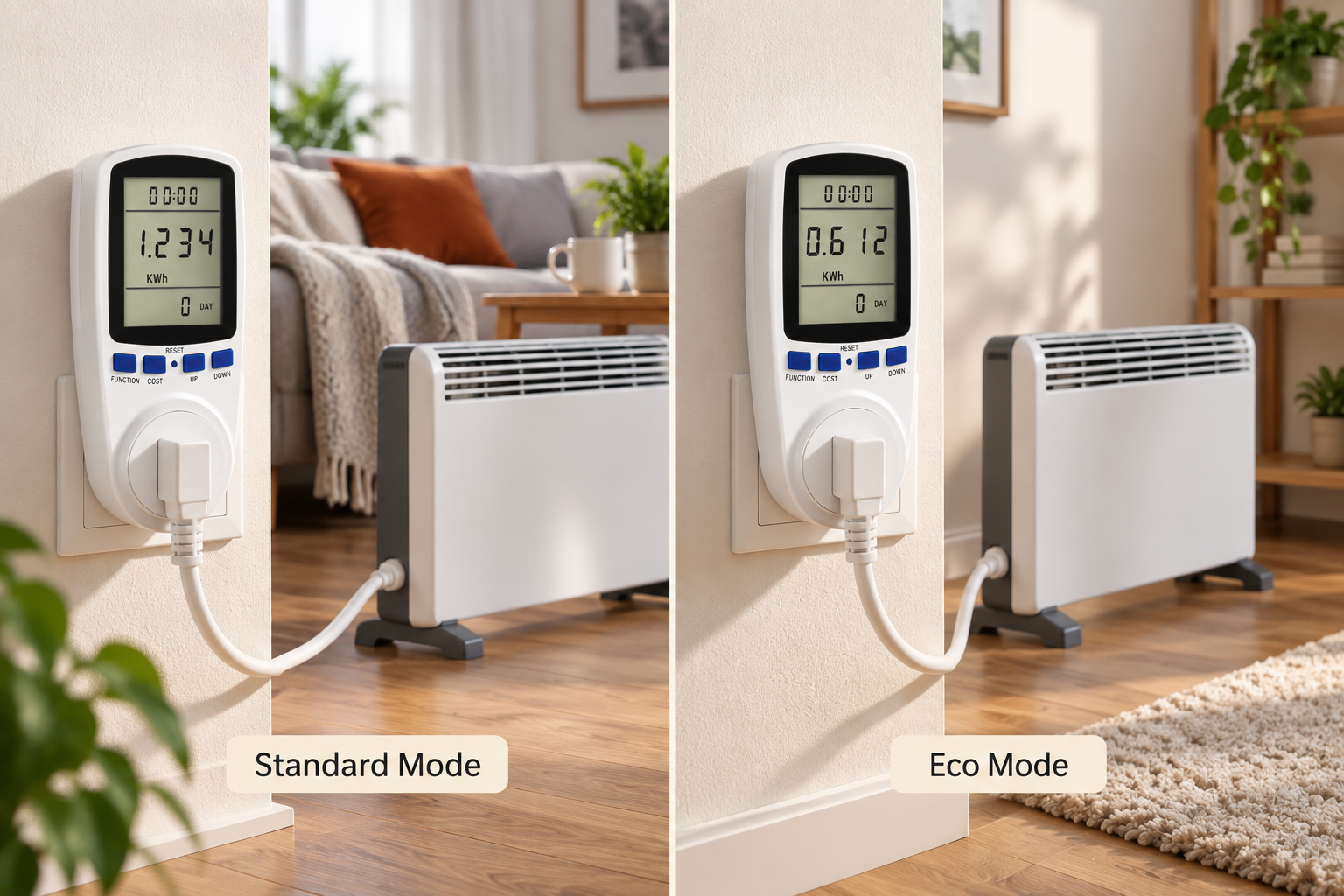
You can use the monitor to test different habits. You can run a machine on a high setting and check the cost. Then, you can run it on a low setting and check the cost again.
| Appliance Type | Real-Time Power | Run Time | Total Consumption |
|---|---|---|---|
| Heater (High) | 2000W | 2 hours | 4 kWh |
| Heater (Low) | 1000W | 4 hours | 4 kWh |
| Old Fridge | 500W | 24 hours | 12 kWh |
This data helps you make better choices. You can replace an old, inefficient fridge. You can change how long you use a heater.
What Is the Difference Between Standard Power Monitors and Smart Plugs?
You want to track power usage, but you also want control. Standard monitors only show data. Smart plugs add remote control and schedules to manage your energy better.
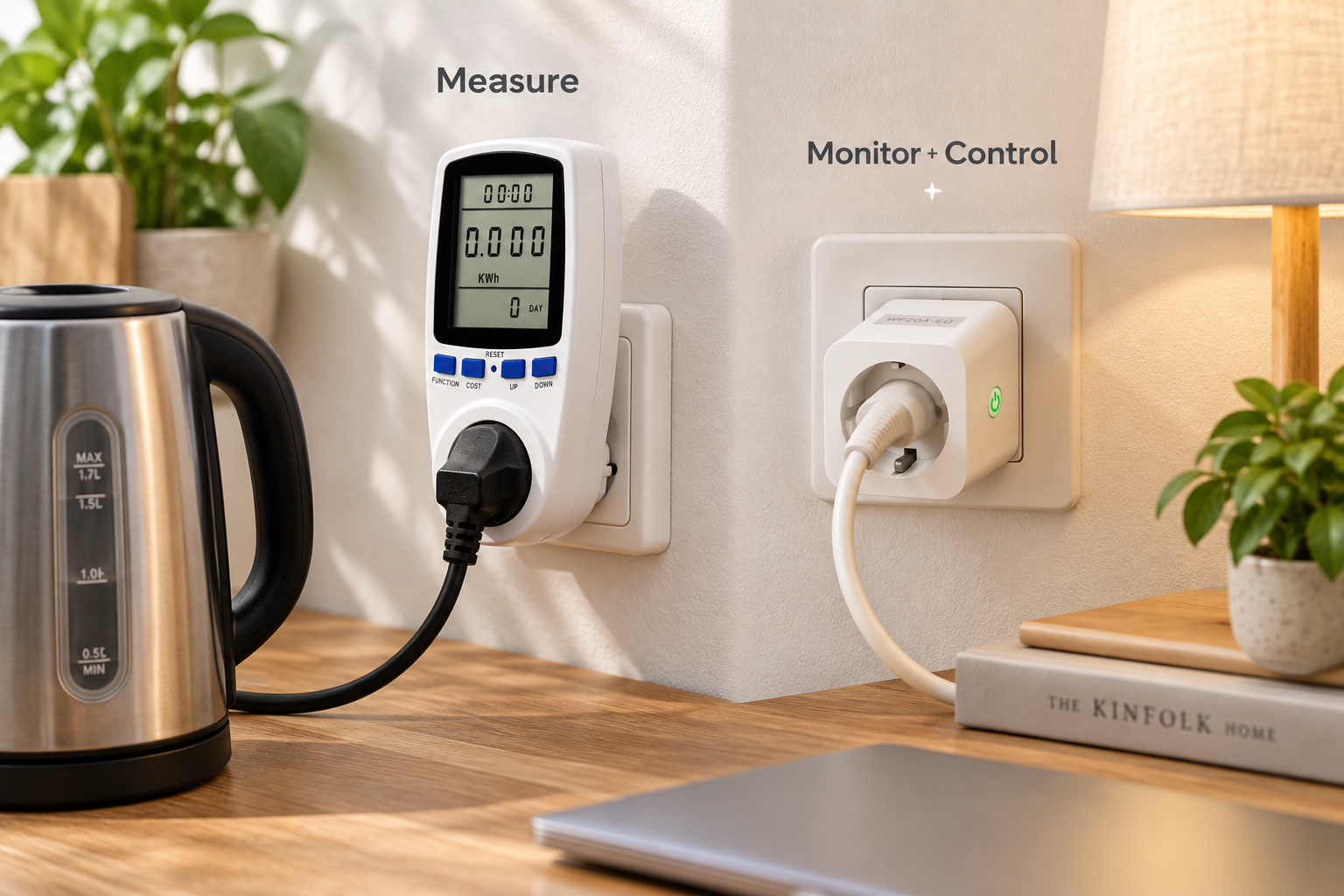
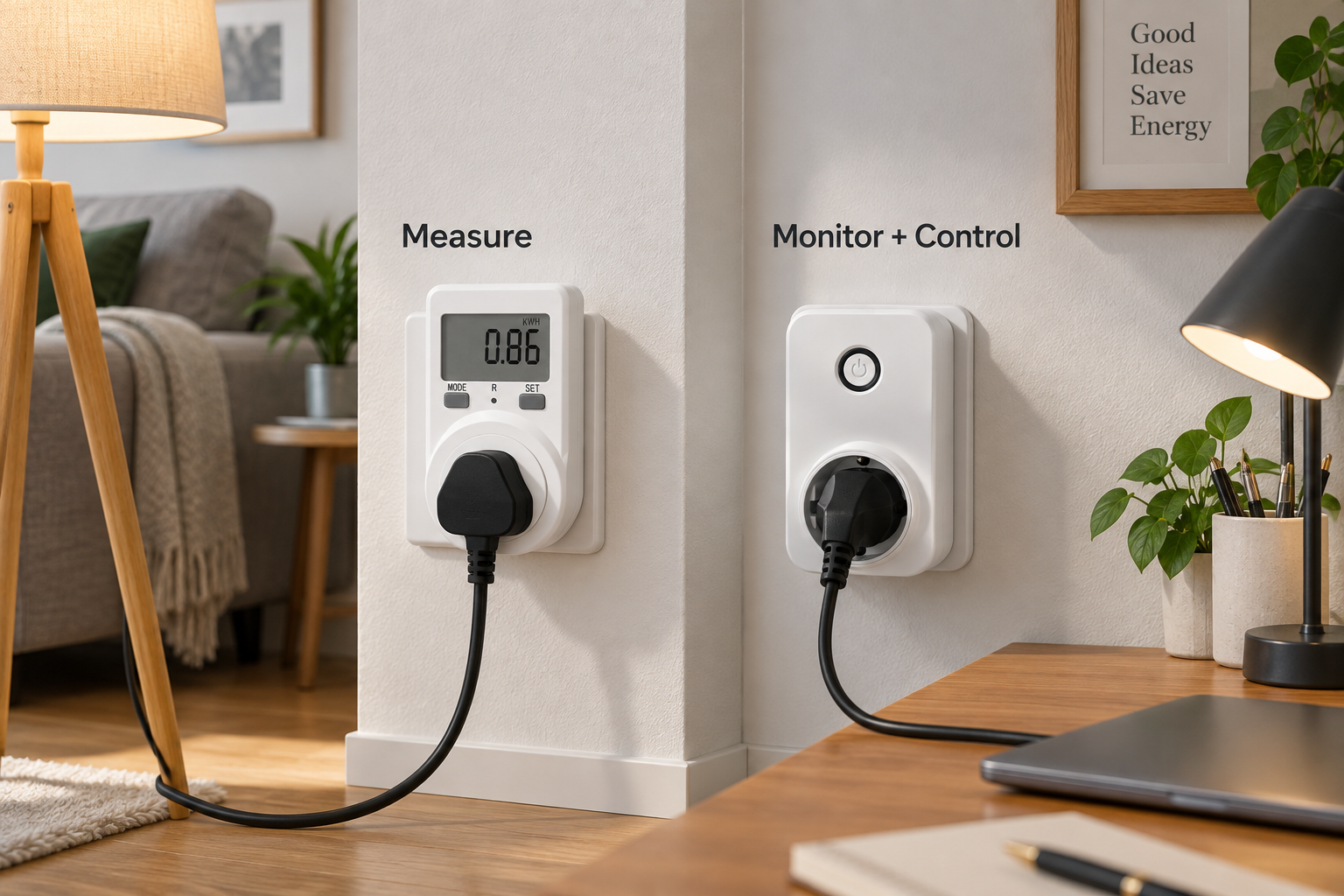
A standard plug-in power monitor provides simple and direct energy measurement on a screen. A smart plug with energy monitoring requires Wi-Fi. It sends data to an app. It also allows remote control, automatic scheduling, and timers. This turns simple tracking into active power management.
Standard Plug-in Power Meters
For a single device, a standard plug-in power monitor is great. It is simple to use. You just plug it in and read the screen. You do not need the internet. You do not need a smartphone. It gives you the raw data you need. We produce many of these at our factory. They are very popular with electrical wholesalers and DIY stores. They are best for measurement and analysis.
Smart Plugs with Energy Monitoring
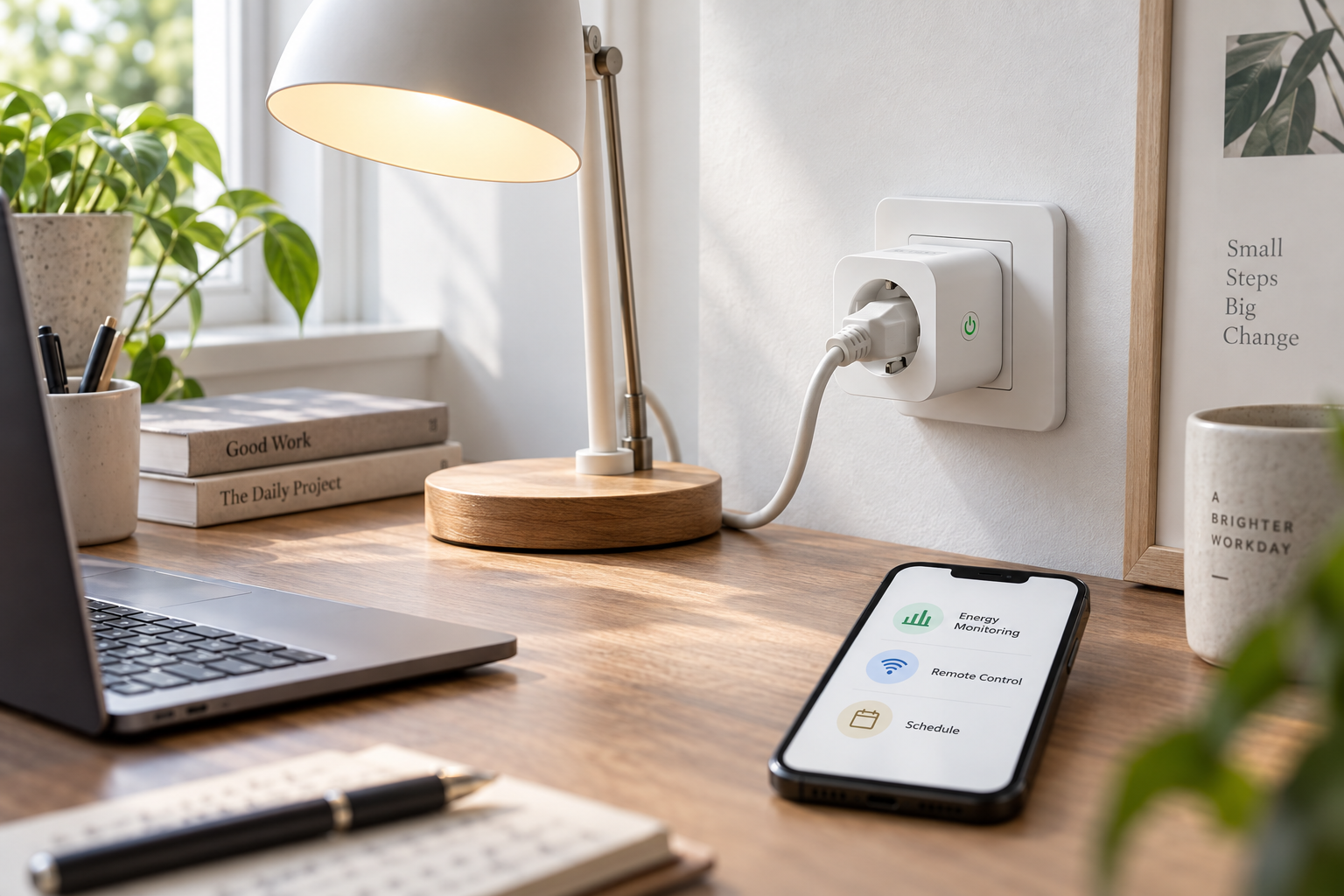
Smart plugs take this a step further. They have a Wi-Fi module inside. They connect to your home or office network. You can see your energy data on a mobile app. This means you can check your power usage from anywhere.
Turning Knowledge into Management
Smart plugs let you act on the data immediately. If you see a device using too much power, you can turn it off from your phone. You can set schedules.
| Feature | Standard Power Monitor | Smart Plug with Monitoring |
|---|---|---|
| Measure power | Yes | Yes |
| Measure energy consumption | Yes | Yes |
| Estimate electricity cost | Yes | Yes |
| Wi-Fi required | No | Yes |
| App monitoring | No | Yes |
| Remote control | No | Yes |
| Scheduling | No | Yes |
| Automatic control | No | Yes |
| Best for | Measurement & analysis | Monitoring & control |
A smart plug turns "knowing your power" into "managing your power."
How Can You Turn Monitoring Data Into Actual Savings?
Having data is useless if you do nothing. You must use the numbers to change your habits. A power monitor guides your actions to reduce your final electricity bill.
You turn monitoring data into savings by making smart decisions. First, identify high-cost devices. Second, reduce unnecessary running times. Third, unplug devices that drain standby power. Finally, replace old, inefficient equipment with energy-saving models. Monitoring is the first step to making these money-saving choices.
Taking Action on High-Cost Devices
A power monitor shows you the truth about your appliances. I remember testing an old air conditioner in our office. The power monitor showed a huge energy draw. The cost was much higher than we expected. We used this data to justify buying a new, efficient model. The new unit paid for itself in energy savings. You can do the same in your home or business.
Changing Daily Habits
Data helps you change how you act. You might see that leaving lights on costs a specific amount of money each month. This exact number motivates you to turn them off. You can use timer switches to help. We manufacture timer sockets exactly for this reason. They cut the power automatically.
The Path to Smart Energy Decisions
Monitoring is not the end of the process. It is the beginning. You need a clear plan to save money.
| Step | Action | Result |
|---|---|---|
| 1. Measure | Use a power monitor | Get clear data |
| 2. Analyze | Check total kWh and cost | Find energy hogs |
| 3. Adjust | Reduce run time or unplug | Stop energy waste |
| 4. Upgrade | Buy efficient devices | Lower long-term bills |
| 5. Automate | Use timers or smart plugs | Keep savings consistent |
When you follow these steps, your electricity bill will go down. You stop guessing and start managing.
Conclusion
Power monitors make hidden energy costs visible. You can use this data to find energy hogs, adjust habits, and use smart plugs to cut your electricity bills effectively.