
Digital Timer Switch Compatibility with LED Lighting Systems
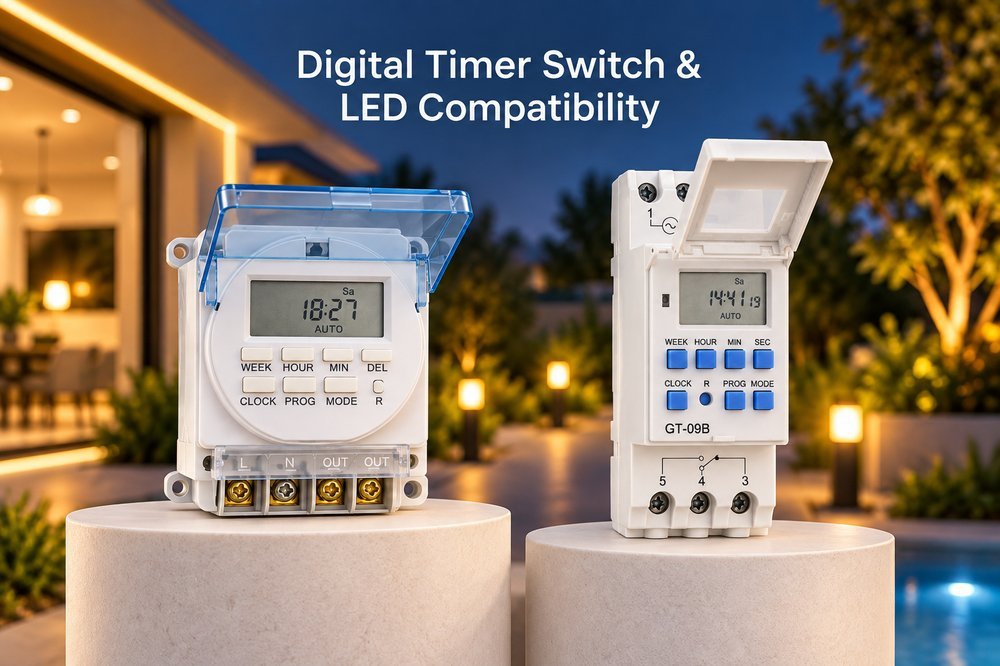
You install a digital timer, but your LED lights flicker or stay dimly lit. This wastes time and ruins your lighting. Fortunately, fixing this compatibility issue is very simple.
Not all digital timer switches work with LED lighting systems. LEDs use less power and have different electrical parts than old bulbs. To stop flickering or glowing, you must use a timer switch that clearly supports LED loads and matches the minimum power requirements of your lights.
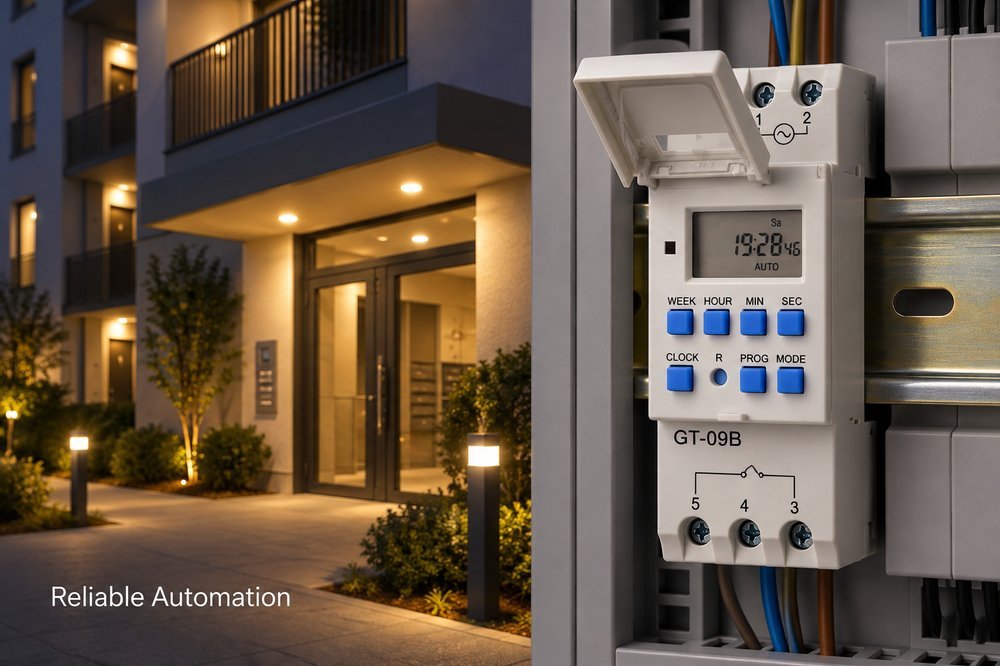
Why does this happen even when you buy a high-quality timer? You might think any timer works with any light bulb, but the truth is quite different. The real reason hidden inside the wiring will surprise you. Do you want to know what goes wrong inside the switch?
Why do LED lights flicker or glow with some digital timer switches?
Your timer turns off, but your LED lights still glow. This is annoying and cuts the life of your bulbs. Let us look at why this happens.
LED lights flicker or glow because some digital timers leak a small amount of current to power their internal clock. Traditional bulbs ignore this tiny current, but sensitive LED drivers turn it into a weak light. You need a timer with a neutral wire to fix this.
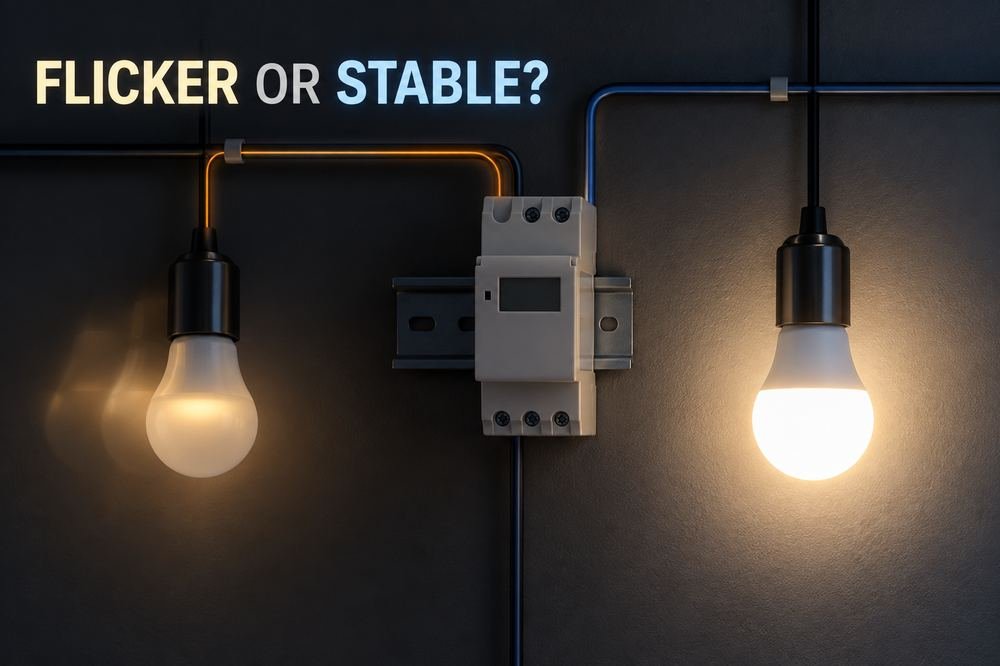
At Timebest, I often hear from clients about this exact problem. We must understand the electrical differences between old bulbs and modern LED lights. Old bulbs need a lot of power to heat a wire. This heat makes light. A small current leak does nothing to them. LED lights are different. They use electronic drivers. These drivers are very sensitive to small amounts of power.
The Root Cause of Ghosting
A digital timer without a neutral wire pulls power straight through the light bulb circuit. People call this a parasitic power supply. The tiny power goes through the LED driver. It charges the internal parts. When the parts get enough power, the LED flashes. Sometimes it stays dimly lit.
Comparison of Bulb Reactions
| Light Type | Reaction to Leakage Current | Reason |
|---|---|---|
| Incandescent | No light | Needs high heat to produce light. |
| Halogen | No light | Filament requires high current. |
| LED | Flickers or glows dimly | Highly sensitive electronic driver circuit. |
To solve this, I always tell our B2B partners to choose timer switches with a neutral wire. This stops the power leak completely. This simple change stops customer complaints and saves time. You will not need to send workers to fix broken lights. Your customers will trust your brand more.
How does the minimum load requirement affect LED timer compatibility?
You connect a single LED bulb to a heavy-duty timer, and the timer fails to work. This delays your project. Understanding minimum load rules will solve this fast.
Many traditional timer switches require a minimum amount of electrical load, like 40 watts, to work correctly. Because LED lights use very little power, a 9-watt LED falls below this minimum limit. The timer cannot sense the light, causing the switch to fail.
I remember a wholesale client. He bought old-style timers for a big outdoor LED project. He called me because the timers would not turn on. The problem was the minimum load. Traditional timers were made for big, hot lights. If the timer says "Minimum 40W", and you use one 10W LED bulb, the timer thinks nothing is connected.
Breaking Down the Load Issue
We need to look at power ratings differently now. In the past, people only cared about the maximum power. Now, the minimum power is just as important. If the load is too low, the switch inside the timer does not get enough signal. It will not close the circuit.
Load Requirement Example
| Timer Type | Minimum Load | LED Power (1 bulb) | Result |
|---|---|---|---|
| Old Style Timer | 40W | 10W | Timer fails or flickers |
| Old Style Timer | 40W | 50W (5 bulbs) | Works normally |
| LED-Ready Timer | 0W or 1W | 10W | Works perfectly |
At our factory, we focus on making timers with zero minimum load requirements. We design new circuits to fix this old problem. This is the only way to make sure they work well with modern lighting. Your buyers will not worry about counting watts anymore.
What should you look for when buying a digital timer switch for LEDs?
Buying the wrong timer wastes money and upsets your customers. You feel stuck with bad stock. Knowing the right details to check will protect your business.
When buying a digital timer switch for LEDs, do not just look at the maximum power. You must check if the box clearly says "LED Compatible." Also, verify the minimum load requirement, the starting current limits, and whether the timer needs a neutral wire.
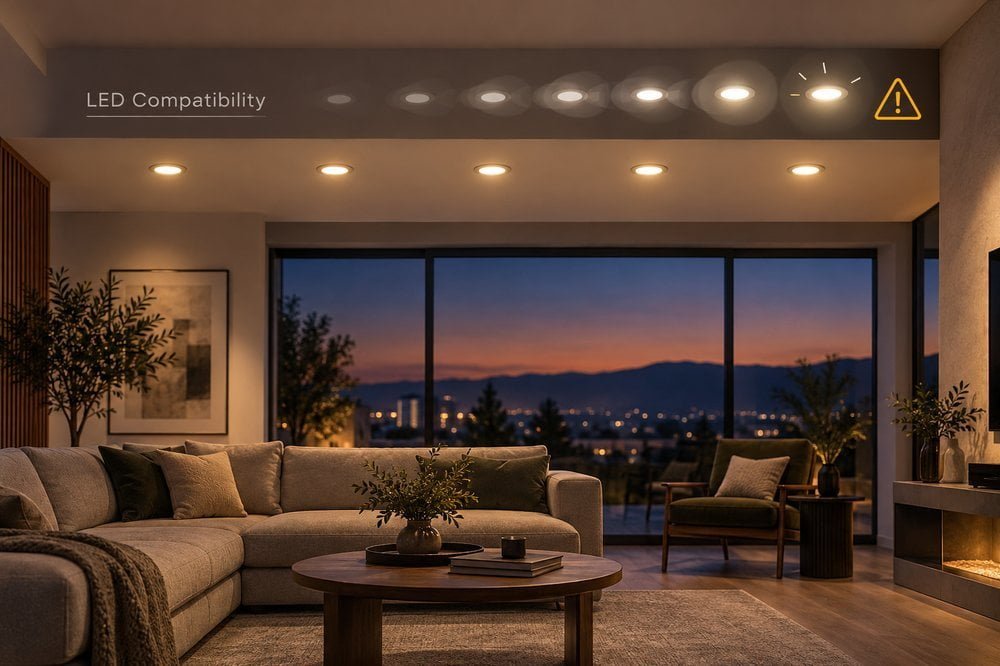
Brand owners often ask me how to build their product line. I always tell them to read the fine print on the timer. LED lights have a high starting current. When you turn them on, they pull a huge amount of power for a split second. A timer might handle 1000W of normal power. But the sudden jump from an LED can melt the timer's inside parts.
Key Factors for Sourcing
You must look at the whole picture. Our R&D team at Timebest spends weeks testing these factors. We want to make sure your customers do not return the products to your store.
Sourcing Checklist
| Feature to Check | Why It Matters for LEDs |
|---|---|
| "LED Compatible" Label | Proves the factory tested it with LED drivers. |
| Neutral Wire Required | Stops the current leak that causes glowing. |
| Starting Current Rating | Protects the switch from sudden power spikes. |
| Minimum Load | Ensures it works with a single low-power bulb. |
You must check these four things every time. Distributors and wholesalers can avoid bad products this way. You will provide a safe solution to your local market. I always suggest asking the supplier for test reports. Real factories can show you exactly how the timer works with different LED brands.
Why is load compatibility more important than extra timer features?
Timers with many settings look great, but if they cannot control a simple LED, they are useless. This causes high return rates. Focus on basic stability first.
Load compatibility is more important than extra features because a timer's main job is to turn lights on and off reliably. If a timer causes LED flashing or fails to work, extra programs do not matter. True convenience comes from stable control, not from complex buttons.
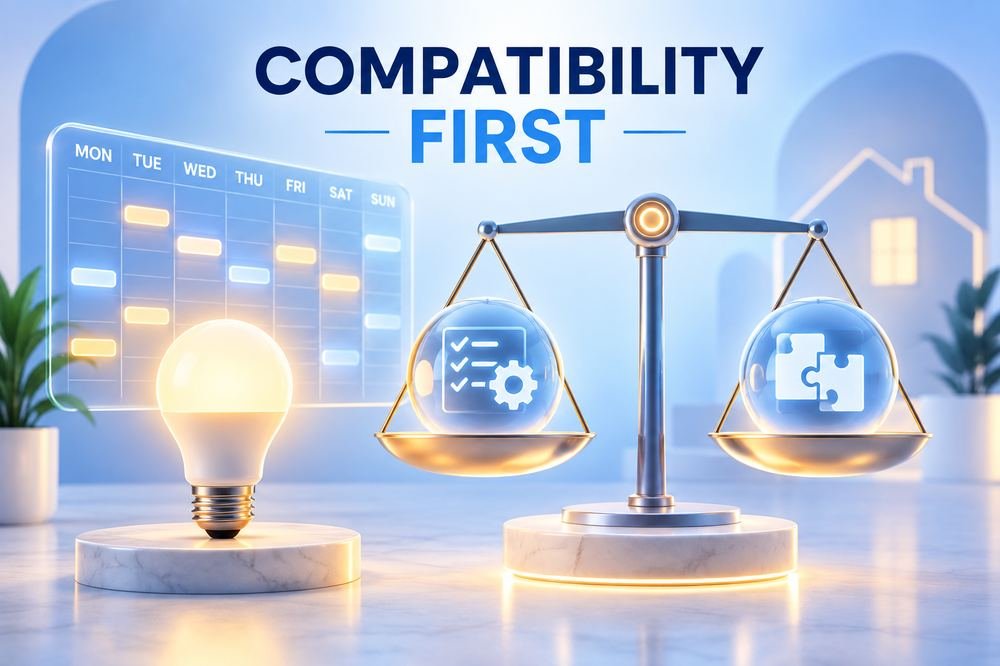
At our factory, we test many new ideas. Some clients want timers with Wi-Fi and 100 daily programs. I always tell them the truth. A smart timer that makes the lights blink is a bad timer. We believe that a mature digital timer switch must balance accurate timing with perfect load compatibility.
The Real Cost of Bad Compatibility
A user buys a timer. Their lights stay dimly lit. They will think the timer is broken. They will return it to the store. This increases costs for the retailer. It hurts the brand. Fixing compatibility issues is the most important job. It reduces extra installation and maintenance costs.
Priority Focus for Brands
| Product Focus | User Experience | Business Impact |
|---|---|---|
| Many extra features | Confusing, high chance of failure | High return rate, bad reviews |
| High LED compatibility | Easy to use, works every time | Happy customers, repeat orders |
| Balanced approach | Smart functions with stable control | Strong brand reputation |
As a manufacturer, we put our money into better parts and better circuit designs. We want to stop low-load flashing before we add more software features. True convenience means the lights turn on and off exactly when you want them to. We help our B2B partners succeed by focusing on this core quality. A reliable product is always your best sales tool.
Conclusion
Choosing a digital timer switch for LEDs requires checking the minimum load and internal wiring. Prioritize true LED compatibility over extra features to ensure stable, flicker-free automatic lighting control.